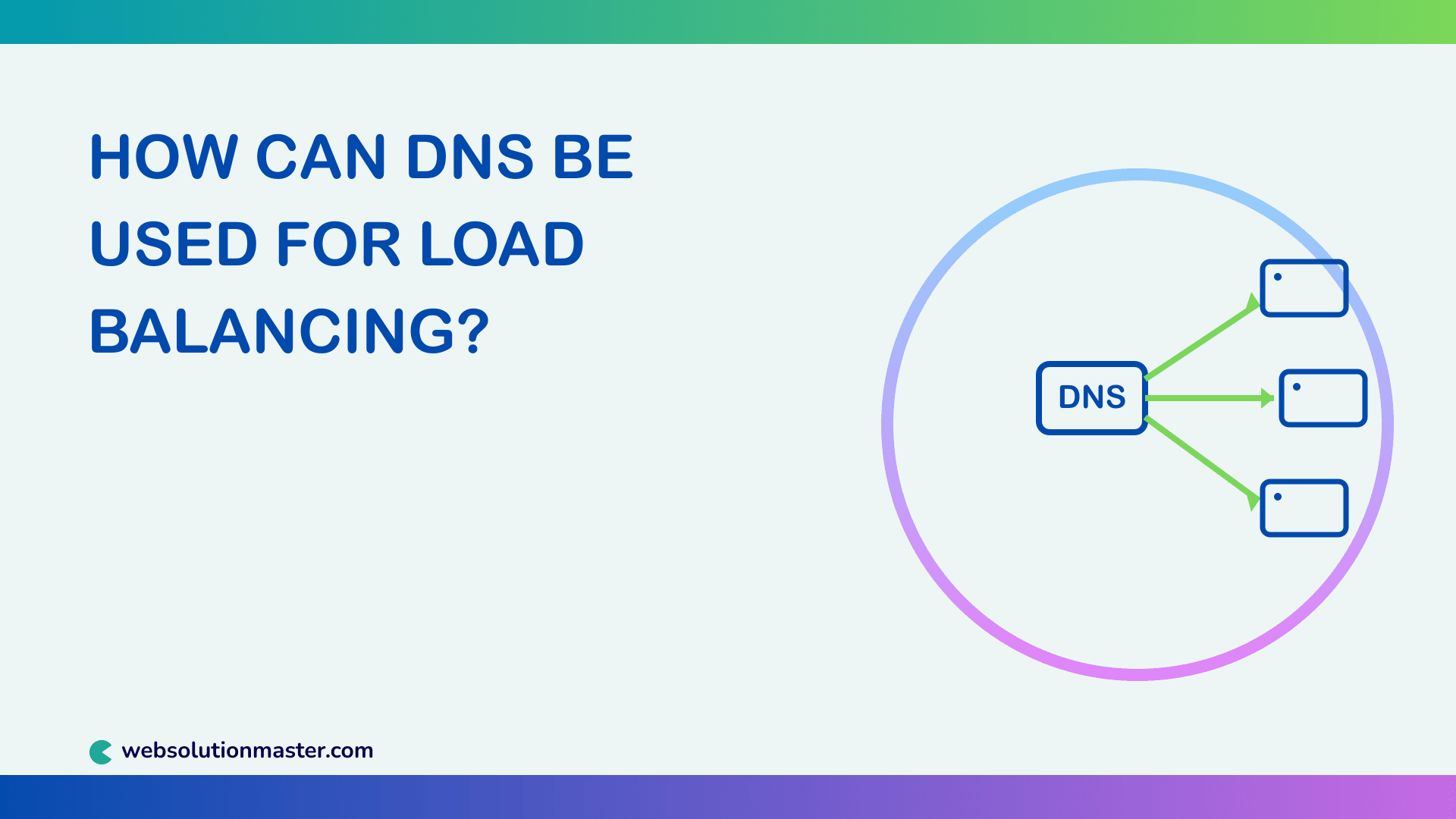
How can DNS be used for load balancing?
Most people think of DNS purely as a name-to-IP-address translator, but it can also act as the first layer of traffic distribution for a site running on more than one server. Long before a request ever reaches a reverse proxy or a dedicated load balancer, DNS can already be deciding which server a visitor talks to. This article covers the different ways DNS is used for load balancing, how each technique actually works, and where DNS-based load balancing falls short.
What Is DNS Load Balancing?
DNS load balancing is the practice of configuring a domain's DNS records so that different clients — or the same client at different times — receive different IP addresses for the same hostname. Since the DNS resolution step happens before any connection is made, this effectively spreads incoming traffic across multiple servers without the client ever knowing more than one server exists.
It's a coarse-grained form of load balancing compared to a dedicated load balancer or reverse proxy, but it's cheap, requires no extra infrastructure, and works at global scale — which is why CDNs and large platforms still use it as one layer of a broader traffic-distribution strategy.
Round-Robin DNS
Round-robin DNS is the simplest and oldest form of DNS load balancing. You create multiple A records for the same hostname, each pointing to a different server's IP address:
; Zone file excerpt for example.com
www   IN  A   203.0.113.10
www   IN  A   203.0.113.11
www   IN  A   203.0.113.12
When a resolver queries www.example.com, most authoritative DNS servers return all three IPs but rotate the order of the list on each response. Since most clients connect to the first address in the list they receive, that rotation spreads new connections roughly evenly across all three servers over time.
You can observe this rotation yourself with repeated lookups:
dig www.example.com +short
# 203.0.113.11
# 203.0.113.12
# 203.0.113.10

dig www.example.com +short
# 203.0.113.12
# 203.0.113.10
# 203.0.113.11
Round-robin DNS is easy to set up and requires no special provider features — it works with plain A/AAAA records on almost any DNS host. Its main weakness is that it has no concept of server health or load: a server that's down or overwhelmed keeps receiving its equal share of traffic until someone manually removes its record.
Weighted DNS Routing
Plain round-robin distributes traffic evenly, but you often want uneven distribution — for example, sending 70% of traffic to a large primary server and 30% to a smaller backup, or gradually shifting traffic to a new server during a canary rollout. This is where weighted routing comes in.
Weighted routing isn't part of the core DNS protocol — it's a feature specific DNS providers implement on top of it. Amazon Route 53, for example, lets you assign a weight to each record in a set, and its resolvers return records in proportion to those weights. Here's what a weighted record change looks like using Route 53's API:
{
  "Changes": [
    {
      "Action": "UPSERT",
      "ResourceRecordSet": {
        "Name": "www.example.com",
        "Type": "A",
        "SetIdentifier": "primary-us-east",
        "Weight": 70,
        "TTL": 60,
        "ResourceRecords": [{ "Value": "203.0.113.10" }]
      }
    }
  ]
}
A second record with "SetIdentifier": "backup-us-east" and "Weight": 30 pointing at 203.0.113.11 would complete the setup — roughly 70% of resolutions go to the primary, 30% to the backup.
Latency-Based and Geo-DNS Routing
Rather than distributing traffic randomly or by weight, latency-based and geolocation-based DNS routing pick a server based on where the query is coming from. A resolver in Singapore querying www.example.com might get an IP address for a server in a Southeast Asia data center, while a resolver in Germany gets an IP for a European data center.
This isn't really "load balancing" in the strict sense — it's traffic steering — but it has the same practical effect: no single server or region absorbs all the traffic, and users get routed to whichever server serves them fastest. Providers like Route 53 (latency-based routing), Cloudflare, and NS1 support this natively; it relies on the DNS provider maintaining a database mapping resolver networks (or, with EDNS Client Subnet, the client's own network) to the nearest healthy region.
Health-Check-Based Failover
The missing piece in plain round-robin DNS is awareness of whether a server is actually up. Most managed DNS providers solve this by running periodic health checks (typically HTTP or TCP checks) against each record's target and automatically removing unhealthy targets from the response rotation.
A typical setup looks like this:
- The DNS provider polls
https://203.0.113.10/healthevery 10–30 seconds. - If the health check fails several times in a row, that IP is pulled from the DNS answer set.
- Once the server passes health checks again, it's automatically added back.
This turns simple round-robin DNS into something closer to real load balancing — traffic only ever gets routed to servers that are confirmed to be responding.
A Client-Side Example
To make the rotation behavior concrete, here's a small Node.js script that resolves all A records for a hostname and picks one, simulating what a DNS-aware client or a custom resolver library might do:
const dns = require("dns").promises;

async function pickBackend(hostname) {
  const addresses = await dns.resolve4(hostname);
  const index = Math.floor(Math.random() * addresses.length);
  return addresses[index];
}

pickBackend("www.example.com").then((ip) => {
  console.log(`Routing this request to ${ip}`);
});
And here's a weighted version, similar in spirit to how a provider like Route 53 picks among weighted records internally:
function weightedPick(records) {
  const total = records.reduce((sum, r) => sum + r.weight, 0);
  let rand = Math.random() * total;

  for (const record of records) {
    if (rand < record.weight) return record.ip;
    rand -= record.weight;
  }
}

const records = [
  { ip: "203.0.113.10", weight: 70 },
  { ip: "203.0.113.11", weight: 20 },
  { ip: "203.0.113.12", weight: 10 },
];

console.log(weightedPick(records));
// -> 203.0.113.10 most of the time, occasionally .11 or .12
Limitations of DNS Load Balancing
DNS load balancing is useful, but it isn't a full replacement for a dedicated load balancer, for a few concrete reasons:
- TTL and caching. DNS responses are cached for the duration of the record's TTL. A client that cached an IP for a now-unhealthy server keeps using it until the TTL expires, even after the provider removes that record from rotation.
- No connection-level awareness. DNS only decides which IP a client resolves to — it has no visibility into active connections, response times, or server load the way a Layer 4/7 load balancer does.
- Uneven client behavior. Not every client honors record order or respects TTLs consistently; some cache more aggressively than others, skewing the "even" distribution round-robin DNS assumes.
- Granularity. DNS load balancing operates per-resolution, not per-request. A client that resolves once and makes thousands of requests sends them all to the same server until it resolves again.
Advanced Considerations
Combining DNS Load Balancing with a Reverse Proxy Layer
In production, DNS-based load balancing is usually the outermost layer of a two-tier setup: DNS (round-robin, weighted, or latency-based) routes traffic to the nearest or best region or cluster, and a reverse proxy or dedicated load balancer inside that cluster (like NGINX, HAProxy, or a cloud load balancer) handles the finer-grained, connection-aware distribution across individual servers.
Low TTLs for Faster Failover
Because DNS caching delays how quickly clients notice a change, DNS-based failover setups typically use low TTLs (30–60 seconds) on the affected records. This is a tradeoff: lower TTLs mean faster failover, but more frequent DNS queries hitting your authoritative servers.
Anycast as an Alternative
Some providers sidestep DNS-level traffic steering by using Anycast — announcing the same IP from multiple physical locations and letting internet routing (BGP) deliver each request to the nearest one. This achieves similar geographic distribution at the network layer instead of the DNS layer, with near-instant failover since no DNS TTL is involved.
DNS Load Balancing FAQ
No. A dedicated load balancer distributes individual connections or requests in real time with full visibility into server health and load. DNS load balancing only influences which IP address a client resolves to, and doesn't see anything that happens after that.
Round-robin DNS is a technique where multiple A or AAAA records exist for the same hostname, and the DNS server rotates the order of records returned on each query, spreading new connections across the listed servers.
Plain round-robin DNS cannot. However, many managed DNS providers offer active health checks that automatically remove unhealthy servers from the DNS response rotation, which adds basic failover capability.
This is almost always caused by DNS caching. Resolvers and clients cache records for the duration of the TTL, so a removed server can keep receiving traffic from clients with a cached, stale record until that TTL expires.
Weighted DNS routing lets you assign a proportion of traffic to each record in a set — for example, 70% to one server and 30% to another — rather than distributing traffic evenly. It's commonly used for gradual rollouts or unevenly sized server pools.
GeoDNS routes based on the geographic location associated with the resolver's IP address, while latency-based routing considers actual measured response times between regions, which can better account for real network conditions that don't always match geography.
Yes. Basic round-robin works with almost any DNS host, but weighted routing, latency-based routing, and health-check-based failover are all provider-specific features — not every DNS host offers them, and none are part of the base DNS protocol.
Lower TTLs (commonly 30–60 seconds) allow faster failover and quicker rebalancing, at the cost of more frequent DNS queries against your authoritative servers. Higher TTLs reduce query load but slow down how quickly changes take effect.
They solve similar problems differently. Anycast operates at the network routing layer and offers near-instant failover with no DNS caching delay, but it requires more complex network infrastructure than simply adding DNS records.
Generally no. Most production setups use DNS load balancing as an outer layer to route traffic to the right region or cluster, then use a dedicated load balancer or reverse proxy within that cluster for connection-level distribution and health-aware failover.
Conclusion
DNS load balancing is a lightweight, widely supported way to spread traffic across multiple servers before a single connection is even made. Round-robin DNS covers the simplest case, weighted and latency-based routing add more control over how traffic is distributed, and health-check-based failover adds a basic layer of resilience — but DNS was never designed to be a full load-balancing solution on its own. Its blind spots around caching, TTLs, and connection-level awareness are exactly why most serious production architectures pair DNS-level traffic steering with a real load balancer or reverse proxy underneath. Used together, the two layers cover for each other's weaknesses: DNS gets requests to the right region fast and cheaply, and the load balancer handles the fine-grained work once they arrive.
Here are some useful references for going further with DNS load balancing:
- AWS Documentation: Choosing a routing policy (Route 53) — covers weighted, latency-based, and failover routing policies with configuration examples.
- Cloudflare Learning Center: What is DNS load balancing? — a concise explainer comparing DNS load balancing to other load-balancing approaches.
- NS1 Documentation: Traffic Management — an overview of filter chains for weighted, geo, and health-check-based DNS routing.
- RFC 1794: DNS Support for Load Balancing — the original IETF document describing round-robin DNS for load distribution.
- Cloudflare Learning Center: What is Anycast DNS? — explains how Anycast achieves similar goals to DNS load balancing at the network layer.


